Windows check printing and payroll software

Professional checks, payroll, and time tracking in one platform.

Check XL helps individuals and businesses create checks, maintain records, run payroll, customize paystubs, and collect employee punches from an offline-first Windows application.

✓ Perpetual licenses✓ License never expires✓ Digital Windows download
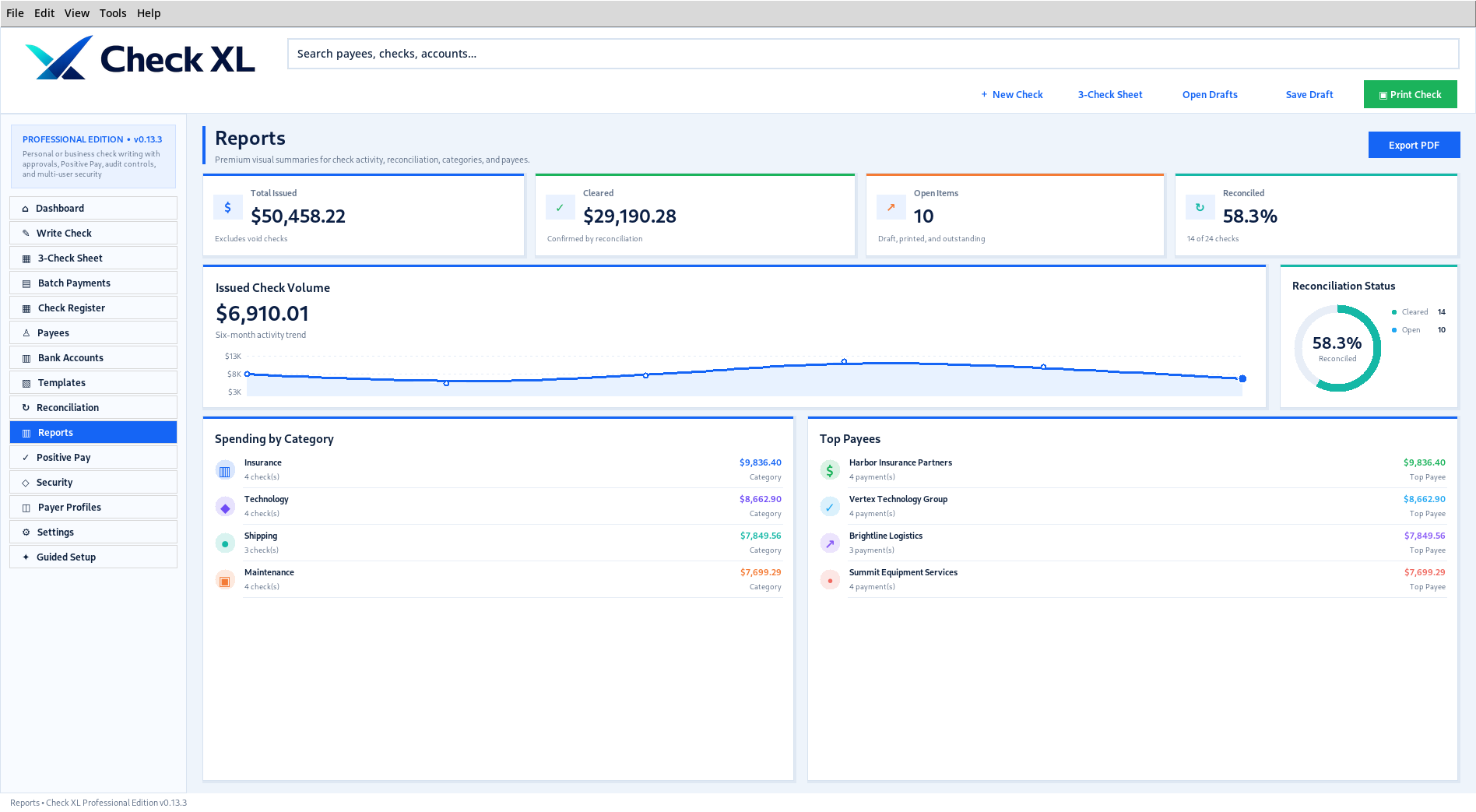
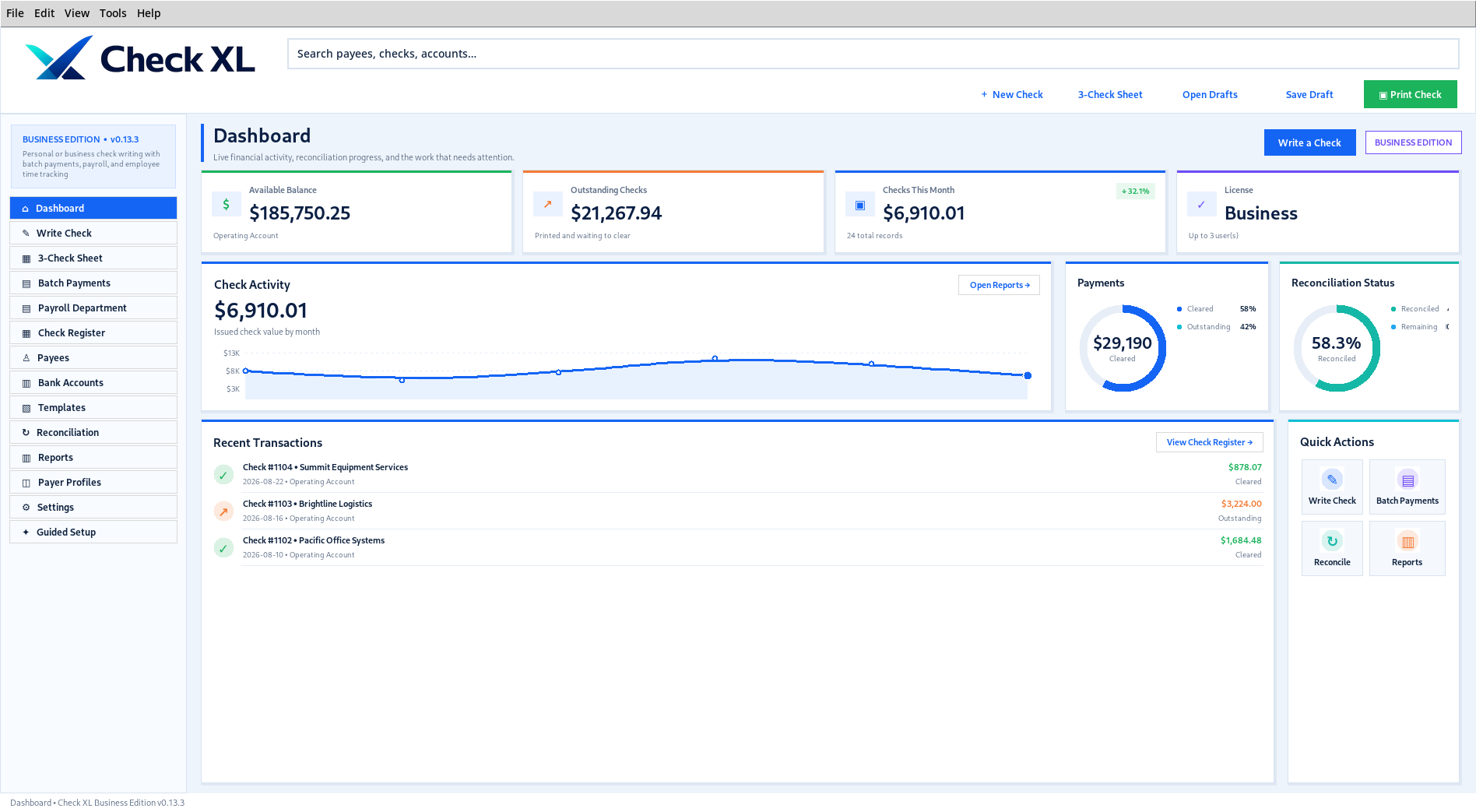
Check XL check-writing interface
4 editionsPersonal through Enterprise
50+ layoutsChecks, vouchers, payroll, and stubs
PDF previewReview output before printing
Offline-firstLocal Windows operation
Choose an edition

Clear one-time pricing

Your perpetual license does not expire and has no recurring software fee.

P

Personal

$29 one-time

For individuals using personal checking accounts. No company setup is required.

  • Personal payer profile only—no company
  • Personal checking accounts, payees, and register
  • PDF preview and print output
  • Templates, MICR, calibration, backup
Pro

Professional

$39 one-time

For accounting teams and controlled check operations.

  • Roles and permissions
  • Approval routing and signature rules
  • Positive Pay export
  • Audit history and up to 3 personal or business payer profiles
E

Enterprise

$99 one-time

For personal and business payer profiles, multi-company organizations, and advanced controls.

  • Unlimited personal or business payer profiles
  • Professional security controls
  • Multi-company and multiple locations
  • Payroll and Time Clock
  • Enterprise configuration foundations
Professional check printing

Create, customize, preview, and print.

Manage payees, bank accounts, logos, signatures, templates, check numbers, MICR information, PDF output, and register records.

  • Guided setup and check-writing workflow
  • Exact PDF preview before printing
  • More than 50 seeded layouts
  • MICR E-13B output and calibration tools
  • Batch payments in supported editions
Professional Check XL check printing
Business and Enterprise

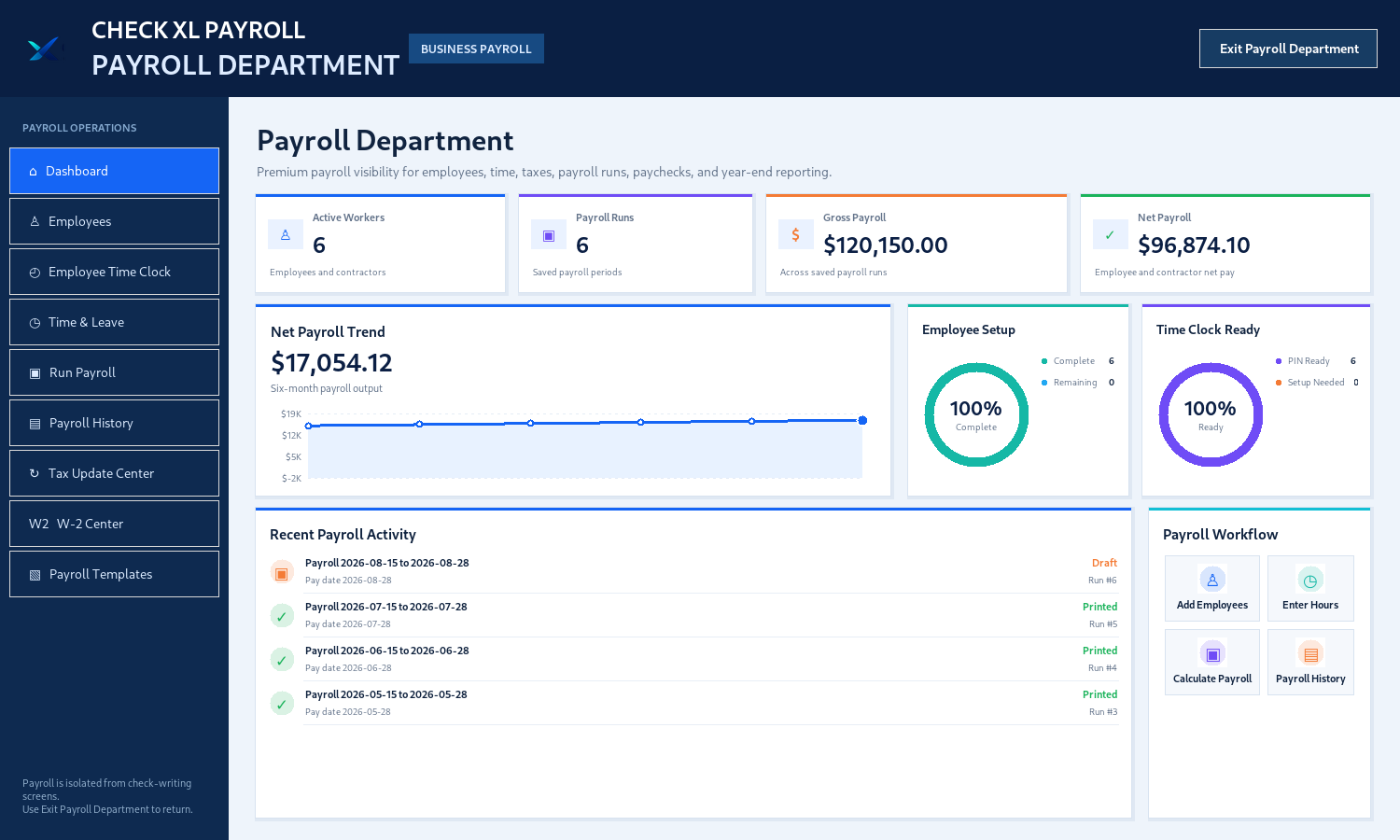
A complete Payroll Department.

Manage employees, time, leave, payroll runs, checks, paystubs, payroll history, year-end reference copies, and customizable payroll templates.

  • Hourly, salary, temporary, and contractor profiles
  • Regular time, overtime, leave, bonuses, and deductions
  • Combined payroll-check PDF output
  • Payroll check and paystub template editor

Check XL is not a tax filing, remittance, or government-submission service. Current official requirements must be verified before production payroll.

Check XL Payroll Department
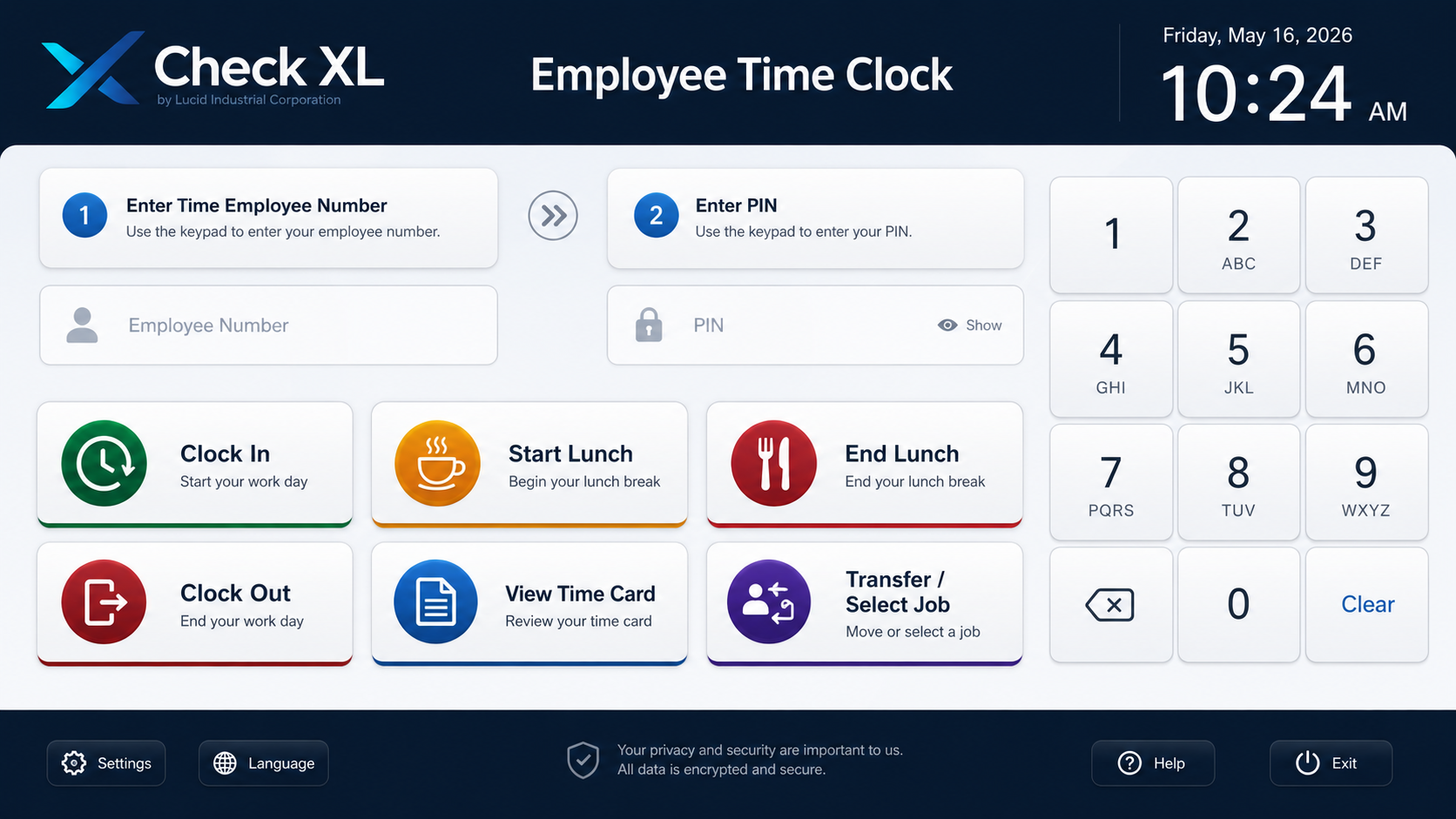
Employee Time Clock

Fast, touch-friendly employee punches.

Employees enter a four-digit number and PIN, then choose Clock In, lunch, Clock Out, or optional break actions.

  • Manager-controlled break-button visibility
  • Automatic seven-second inactivity clearing
  • Manual Clear and individual Backspace
  • Roster and punch-file exchange with Payroll
Check XL Employee Time Clock

Edition comparison

FeaturePersonalProfessionalBusinessEnterprise
Check writing and PDF output
Batch payments and advanced reports
Roles, approvals, Positive Pay, audit history
Payroll Department and Time Clock
Payer profiles1 Personal onlyUp to 3 Personal or BusinessUp to 3 Personal or BusinessUnlimited Personal or Business
Multi-company and locations

Ready to use Check XL?

Choose a one-time Windows license and receive the license and secure download link by email.

View pricing
Permanent ownership

A perpetual license tied to your registered email.

Pay once and keep the selected Check XL edition. One computer may be active at a time. Moving to a replacement computer requires confirmation through the purchase email.

ForeverThe license does not expire.
1 active PCA transfer deactivates the previous computer.
5 transfersUp to five new-device activations in any rolling 365 days.
Email protectedNew-computer activation requires a short-lived email code or approval link.